
Piggydb V4.9 released
Posted: April 21, 2010 Filed under: uncategorized Leave a commentThis release updates the sub-fragments tree view.
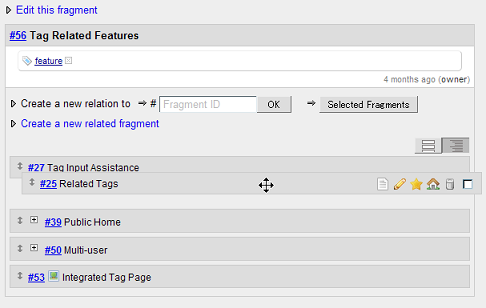
The new view allows you to reorder sub-fragments with drag and drop as below,
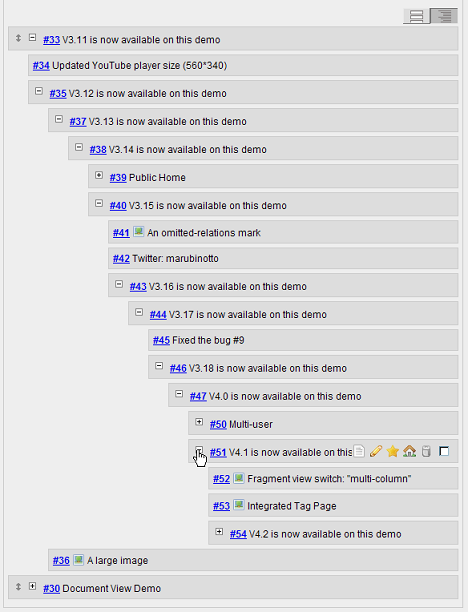
and can be collapsed and expanded for unlimited depth.
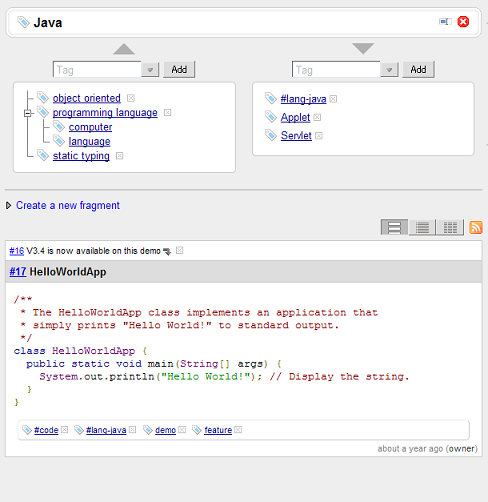
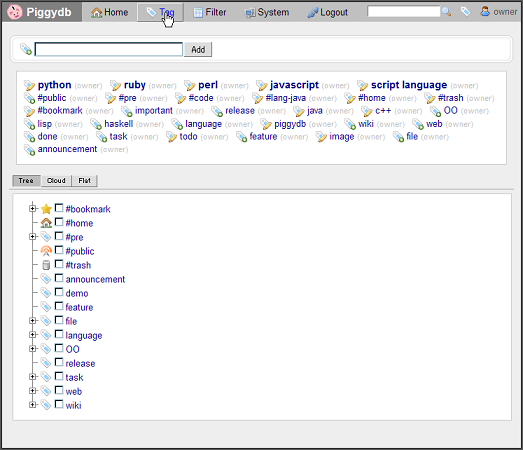
The tag page was redesigned to be more simple and intuitive.
Piggydb V4.8 released
Posted: April 12, 2010 Filed under: uncategorized Leave a commentThis release adds Chinese language support (translation).
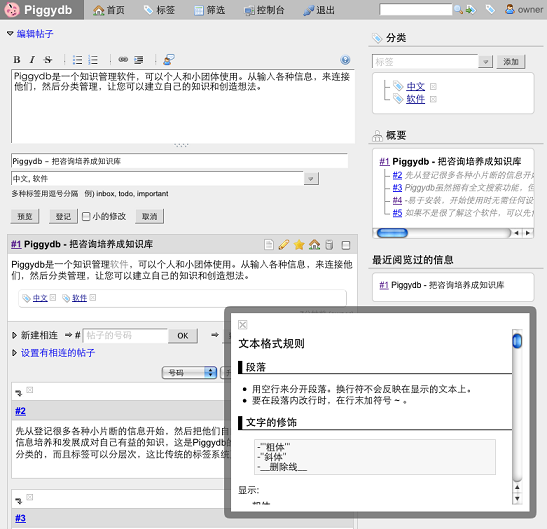
The Chinese version of the site has been launched: https://piggydb.net/cn/
The wiki parser was updated to have a way to insert a line break and an image-labeled link.
- Writing “~” at the end of a line inserts a line break.
- an image-labeled link: [<url-to-link> <url-to-image>]
A new setting option, “piggydb.entity.changeableOnlyForCreator“, was added, which disables updating an entity for all users who have not created the entity. This option can be set via application.properties or Java System Properties.
Piggydb V4.7 released
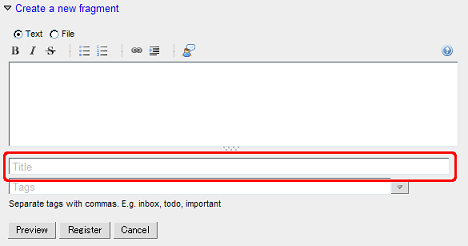
Posted: March 30, 2010 Filed under: uncategorized Leave a commentThis release updates the fragment form: the title input was moved below the content input to show that a title is optional.
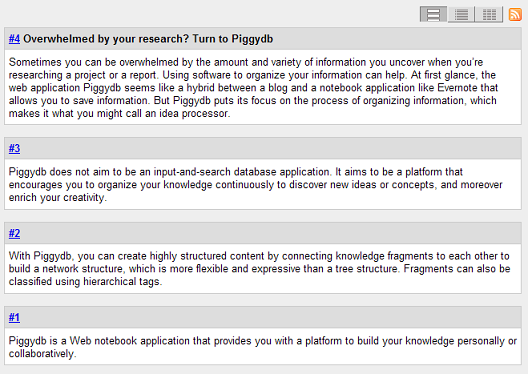
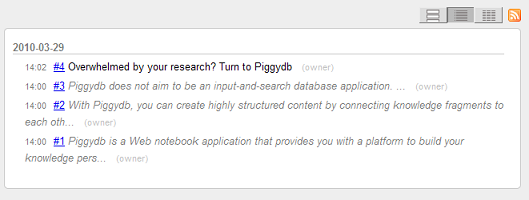
If a title is missing, an auto-generated headline will be shown on the list view.
↓
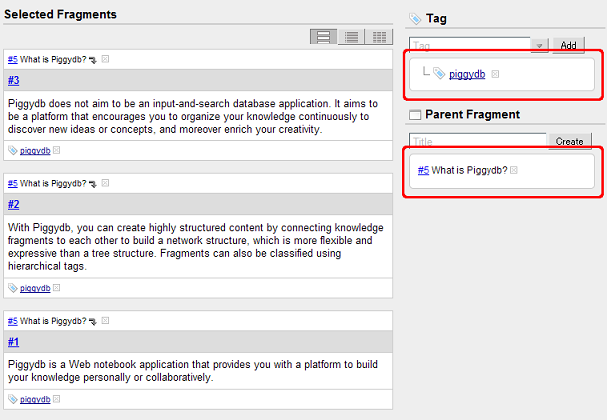
The fragment batch page was updated to show common tags and parent fragments of the selected fragments, and users can remove them by clicking the [x] buttons.
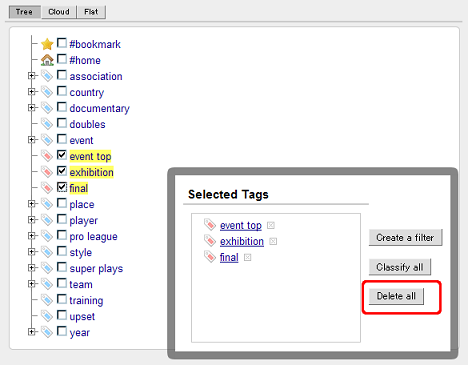
The tags page was updated to have a “Delete all” button to delete selected tags.
Piggydb V4.6 released
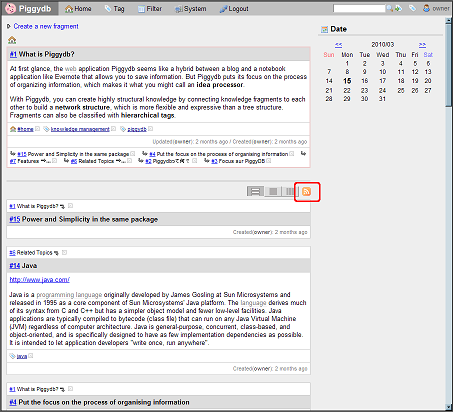
Posted: March 15, 2010 Filed under: uncategorized Leave a commentThis release adds Atom feeds for knowledge fragments, such as a feed for fragments with a specific tag. The feeds are available on home.htm, tag.htm, filter.htm, and user.htm.
Piggydb V4.5 released
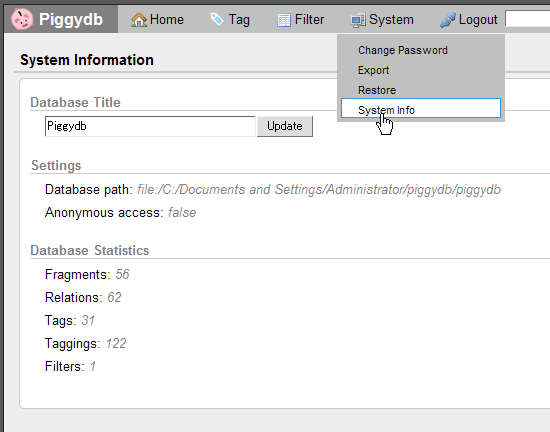
Posted: February 9, 2010 Filed under: uncategorized Leave a commentThis release adds a new menu, “System/System Info“, where you can view the system settings and the database statistics. With that menu, you can also change the database title, which is used for the title of the HTML pages.
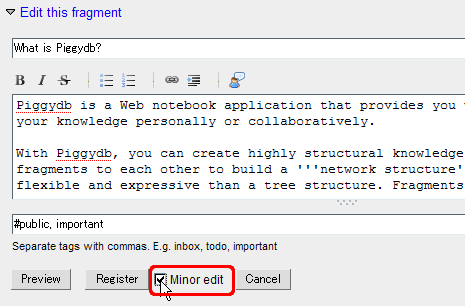
A minor edit checkbox was added to the fragment edit form. If you check the box, the fragment’s updated-timestamp will be unchanged.
The #home and #bookmark tags were changed to be owner-privileged (so only an owner can handle those tags).
Piggydb V4.4 released
Posted: January 19, 2010 Filed under: uncategorized Leave a commentThis release adds anonymous access. You can enable anonymous access to let users view content without a login.
Anonymous Access: https://piggydb.net/#anonymous-access
A “Jump to Tag” button (a tag icon with an arrow) was added next to the search button.
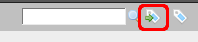
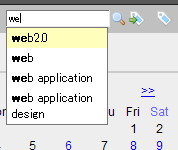
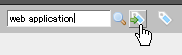
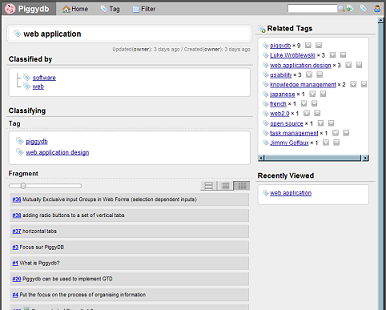
This button allows you to directly jump to a tag page specified in the search input box.
Piggydb V4.3 released
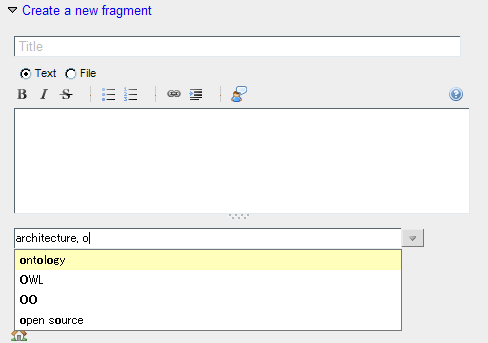
Posted: January 4, 2010 Filed under: uncategorized Leave a commentThis release updates the tag name autocompletion to be available in any of the tag name inputs:
The create/update time of entities (fragments/tags/filters) is now displayed in relative format:

SourceForge.net: Overwhelmed by your research? Turn to Piggydb
Posted: December 20, 2009 Filed under: uncategorized Leave a commenthttp://sourceforge.net/blog/overwhelmed-by-your-research-turn-to-piggydb/
Sometimes you can be overwhelmed by the amount and variety of information you uncover when you’re researching a project or a report. Using software to organize your information can help. At first glance, the web application Piggydb seems like a hybrid between a blog and a notebook application like Evernote that allows you to save information. But Piggydb puts its focus on the process of organizing information, which makes it what you might call an idea processor.
Piggydb V4.2 released
Posted: December 16, 2009 Filed under: uncategorized Leave a commentThis release adds a new view for fragments: “tree“, which is a compact view for the descendant fragments of a selected fragment (to its great grandchildren).
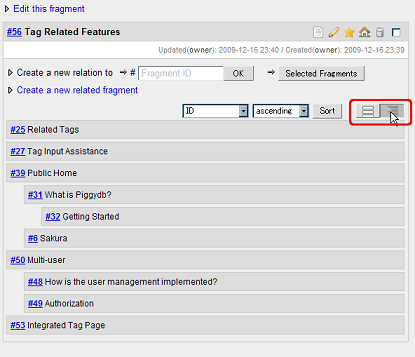
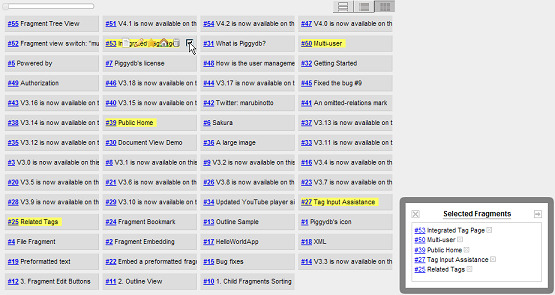
Another new feature of this release is a fragment batch operation that allows users to create a new parent fragment of selected fragments.
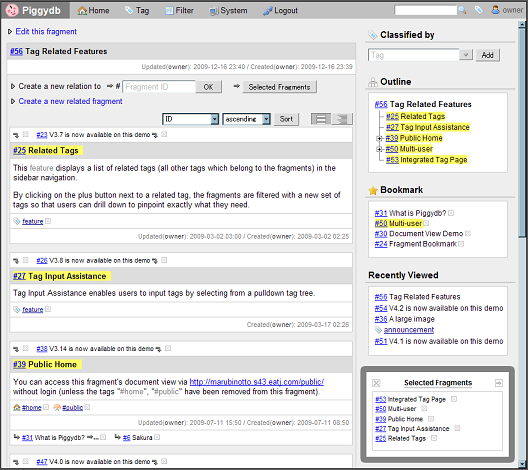
1) Select fragments as below
2) Move to the fragment batch page, and you will find a form to create a new parent fragment of the selected fragments.
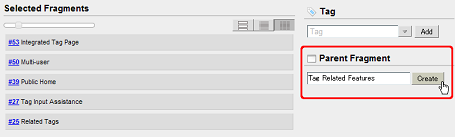
3) Input a title for new parent fragment and click on the “Create” button.
Piggydb V4.1 released
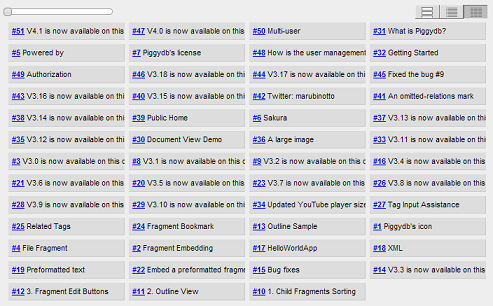
Posted: December 10, 2009 Filed under: uncategorized Leave a commentThis release adds a new view for fragments: “multi-column“.
It shows fragment titles in a multi-column format and allows users to change column width with the slider control.
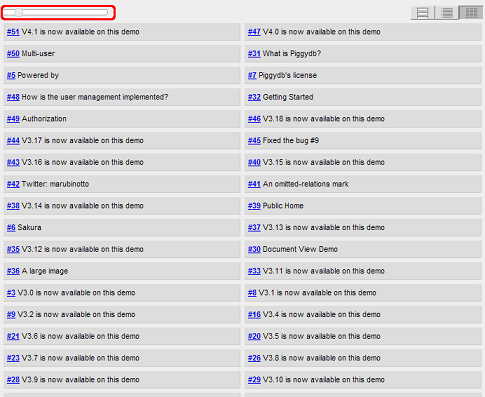
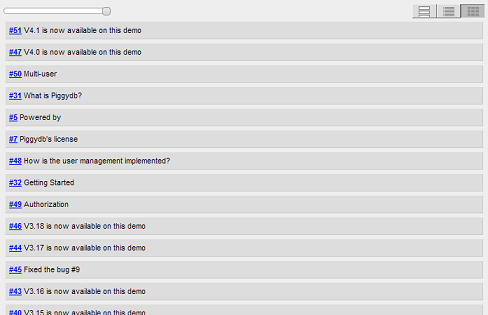
With the multi-column view, users can view as many fragments as possible on the screen.
The tag menu items (“New Tag”, “Recent Changes”, “Tags”) were integrated together into one menu, “Tag”.

 Piggydb
Recent Comments